
Flux.1 vs Midjourney v6: Which AI Image Generator is Better in 2026?

For years, Midjourney sat undisputed on the throne of commercial AI art generation. However, the release of Flux.1 by Black Forest Labs (founded by the original Stable Diffusion creators) has radically disrupted the ecosystem. Creators now ask: Should you stick with Midjourney or migrate your production pipeline to Flux?
In this comprehensive benchmark, we test both models across five mission-critical pillars: Typography & Text In Image, Anatomy & Hands, Prompt Adherence, Photorealism, and Cost.
Head-to-Head Benchmark Matrix
| Feature | Midjourney v6 | Flux.1 [Dev / Pro] | Winner |
|---|---|---|---|
| Text / Typography | Good for 1-2 words, often hallucinates letters | Exceptional accuracy on complex sentences, signs, & logos | Flux.1 🏆 |
| Photorealism & Aesthetics | Unmatched cinematic lighting, colors, and raw film texture | High realism, but slightly more neutral color grading | Midjourney v6 🏆 |
| Hand & Finger Anatomy | Greatly improved, occasional fusion on complex grips | Near-flawless 5-finger anatomy, correct joints and nails | Flux.1 🏆 |
| Complex Prompt Adherence | Prioritizes visual beauty over strict multi-element prompt logic | Understands intricate spatial relations and multi-character scenes | Flux.1 🏆 |
| Open Weights & Local GPU | Closed API (Discord / Web app only) | Open weights (Run locally in ComfyUI, Forge, or on cloud) | Flux.1 🏆 |
1. Round 1: Typography and In-Image Text
If your creative work involves advertising banners, movie posters, t-shirt prints, book covers, or storefront signs, Flux.1 completely sweeps the floor with Midjourney.
Flux.1 utilizes a massive 12-billion parameter flow transformer paired with the T5-XXL text encoder. When you pass a prompt like:
A vintage neon diner sign in the rain at midnight glowing in pink letters that read "PIXEL PROMPT DINER OPEN 24 HOURS", wet asphalt reflections, 35mm film photographyFlux renders every single letter with razor-sharp kerning and zero spelling errors, while Midjourney v6 often turns words into gibberish glyphs.
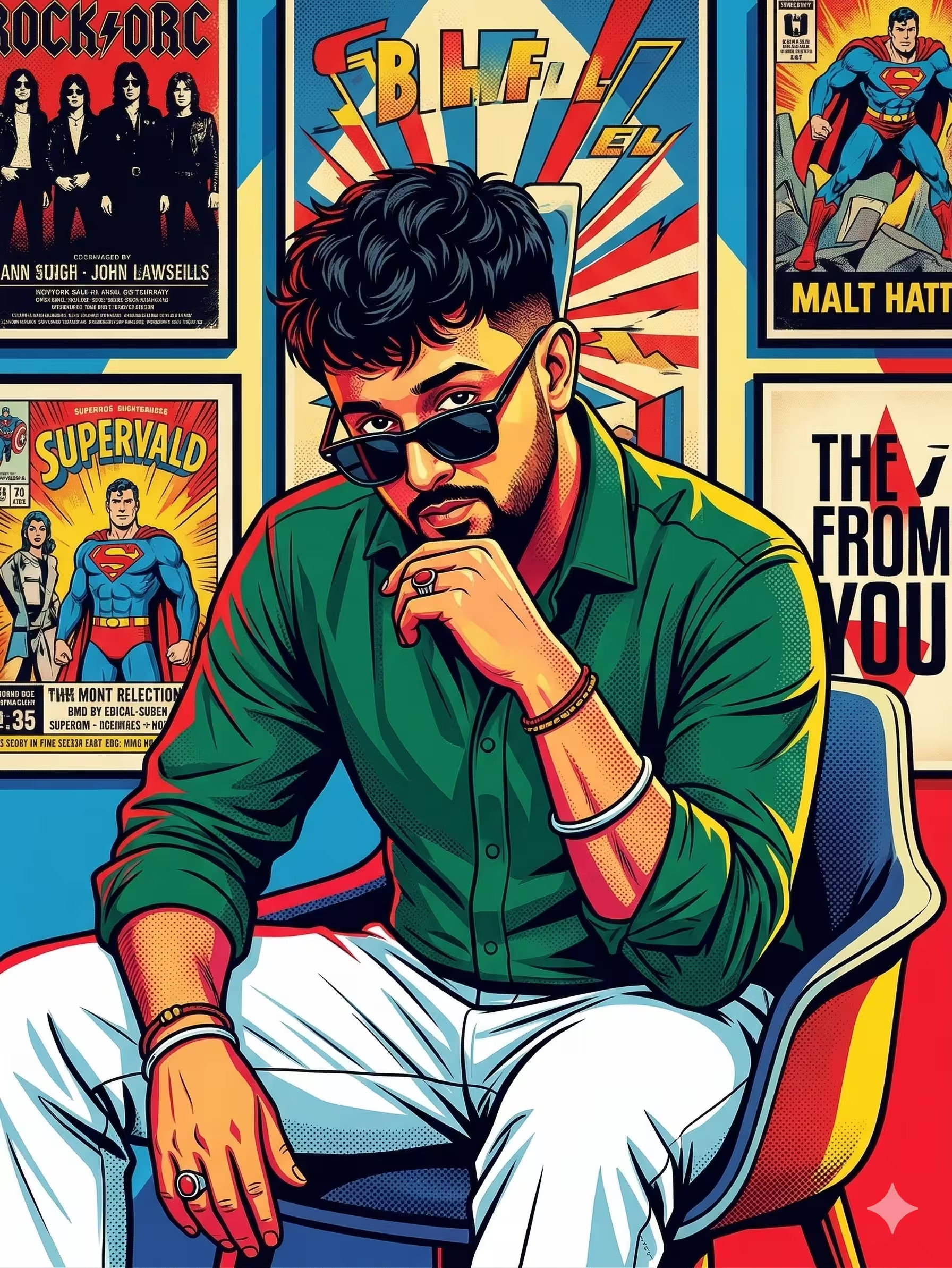
Sample Output: Sharp edge definition and typography fidelity achievable with modern diffusion
2. Round 2: Cinematic Lighting & Artistic Aesthetics
Where Midjourney v6 continues to reign supreme is its innate artistic intuition. Midjourney's training curation produces a signature warmth, rich tonal contrast, and filmic elegance right out of the box without requiring you to spend hours tweaking camera settings.
Flux tends to output a more "neutral raw camera sensor" look. While accurate, it often requires manual color grading or post-processing prompts (such as "Kodak Portra 400, warm film grain, crushed blacks") to reach Midjourney's level of cinematic soul.
3. Round 3: Anatomy and Finger Count
For portraits involving hands holding objects (like a coffee cup, a sword, or typing on a keyboard), Midjourney still produces occasional six-finger mutations. Flux.1 solves this in almost 95% of test generations because of its flow-matching training objective, making it the top choice for commercial fashion and product photography.
Final Verdict: Which One Should You Use?
✨ Choose Midjourney v6 If:
- You need instant aesthetic beauty with minimal prompt effort.
- You love cinematic color palettes and moody lighting.
- You prefer generating through an intuitive web interface or Discord.
- You don't own high-end local GPU hardware.
🚀 Choose Flux.1 If:
- You need exact words, logos, or slogans rendered on signs & shirts.
- You demand photorealistic human hands and natural anatomy.
- You want complete privacy by running models locally on your PC.
- You use ComfyUI for advanced inpainting and control workflows.
Build Prompts for Both Midjourney & Flux
Switch between Midjourney and Flux formatting seamlessly with our free AI Prompt Builder tool.
Open AI Prompt Builder Tool→