
Cartoon
Showing 2 hand-curated prompts with 1-click copy
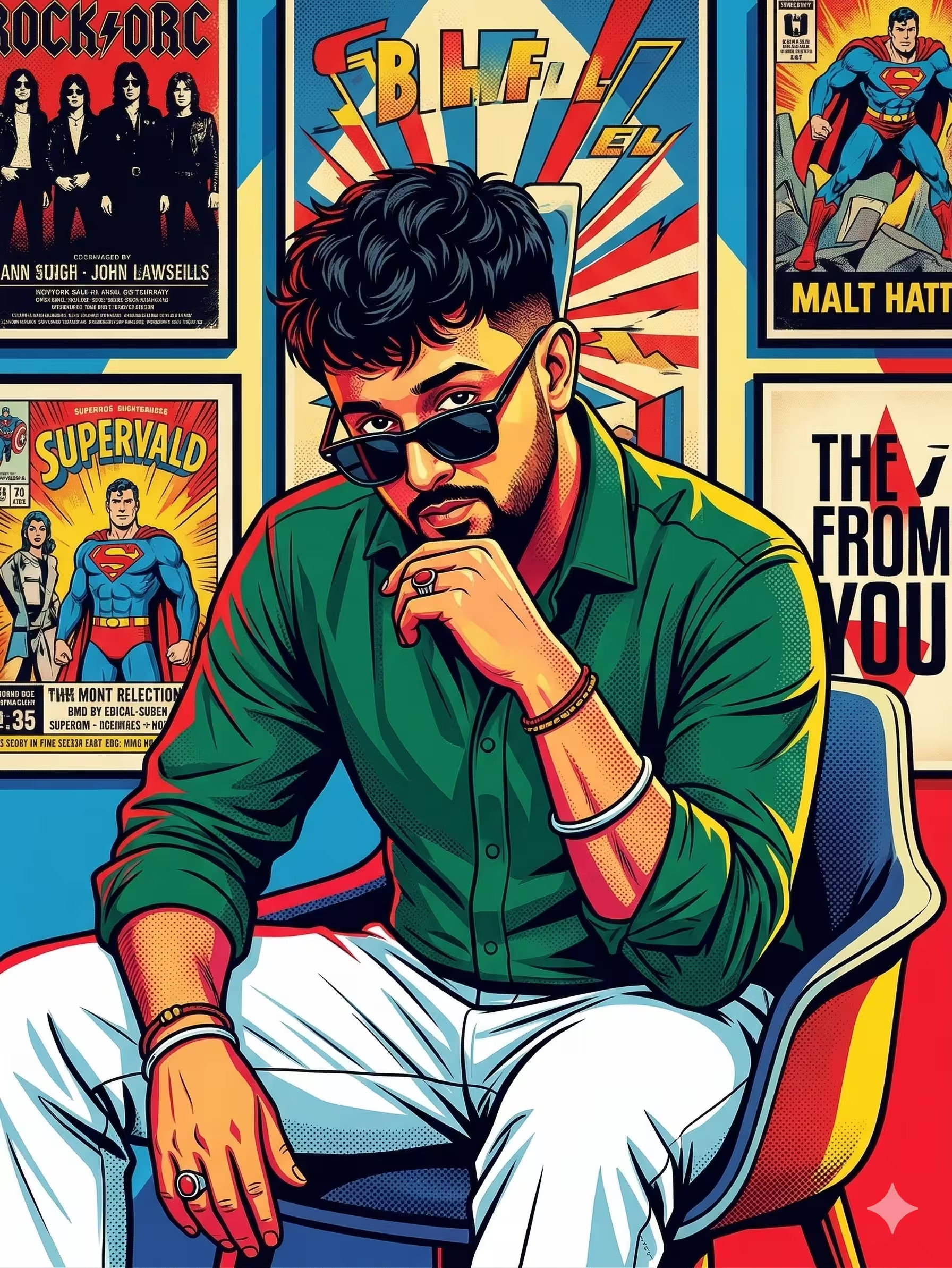
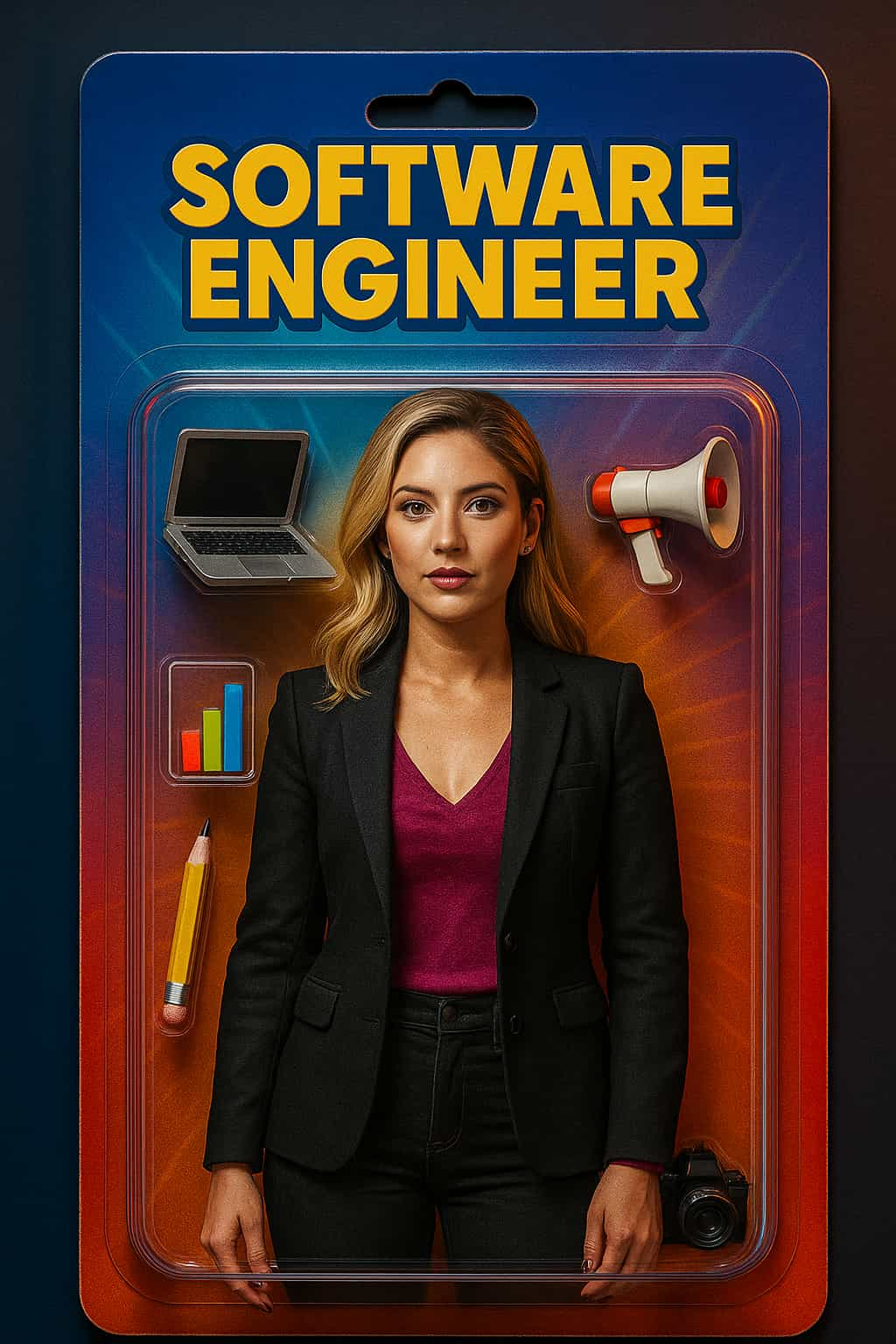
Mastering Cartoon Art Generation
Generating high-fidelity visuals in the Cartoon category requires balancing subject clarity, camera physics, and negative prompting tokens. Whether you are using Midjourney v6, Google Gemini (Imagen 3), Flux.1, or ChatGPT-4o, follow these golden rules:
1. Specify Real World Optics
Replace generic buzzwords like "hyper realistic" with concrete lens choices: 85mm f/1.4 for portraits, 24mm tilt-shift for architecture, or 35mm anamorphic for cinematic scenes.
2. Lighting & Atmosphere
Directional lighting creates believable 3D volume. Prompt for golden hour rim light, volumetric god rays, chiaroscuro shadows, or softbox butterfly studio lighting.
3. Negative Prompt Suppression
Always exclude unwanted latent diffusion artifacts: suppress plastic skin, extra fingers, blurry textures, cartoonish 3D render, oversaturation, and watermarks.
Want to generate custom Cartoon prompts?
Build camera-ready prompts using our interactive web tool.