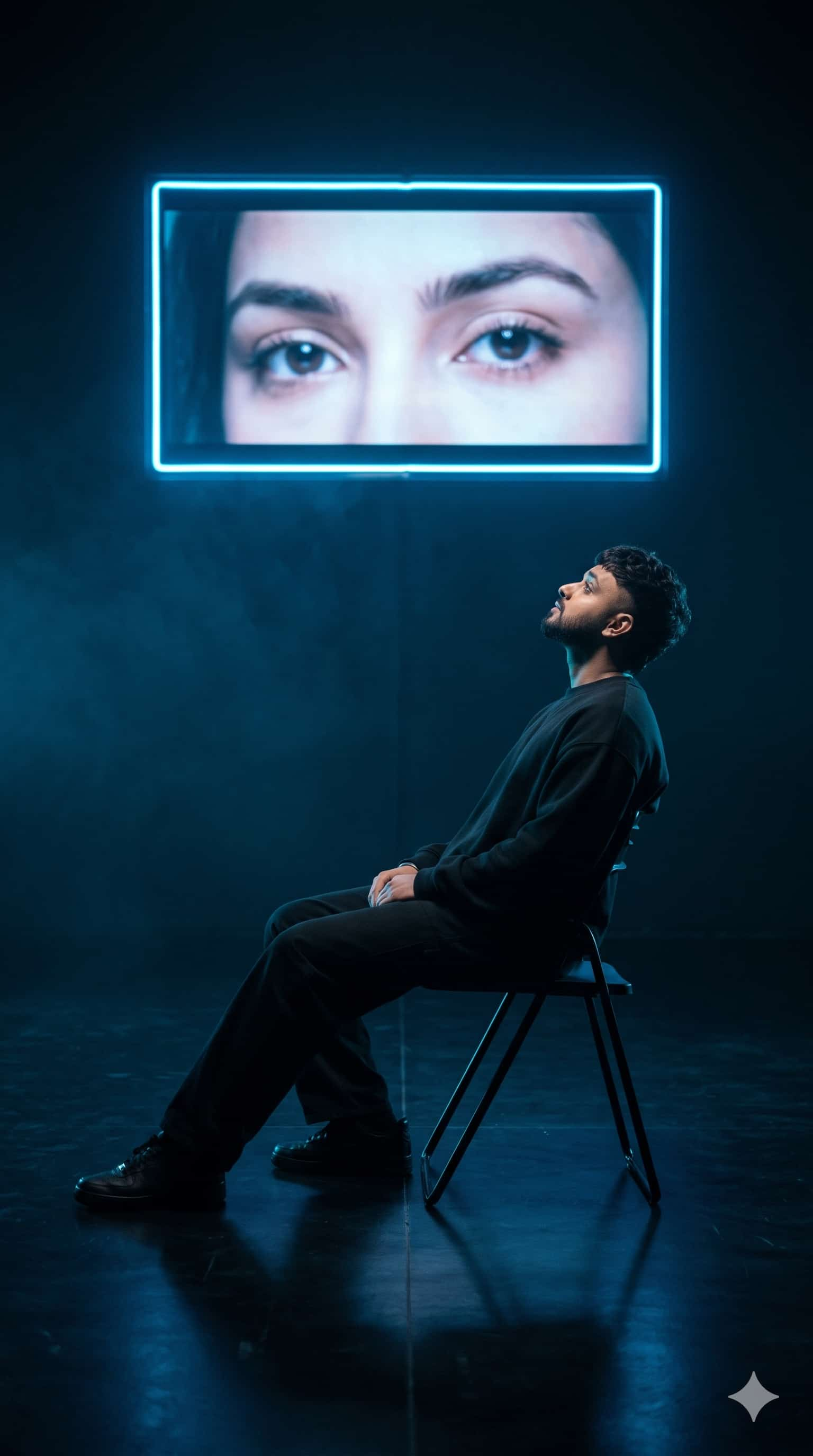
AI Generation Prompt & Parameters
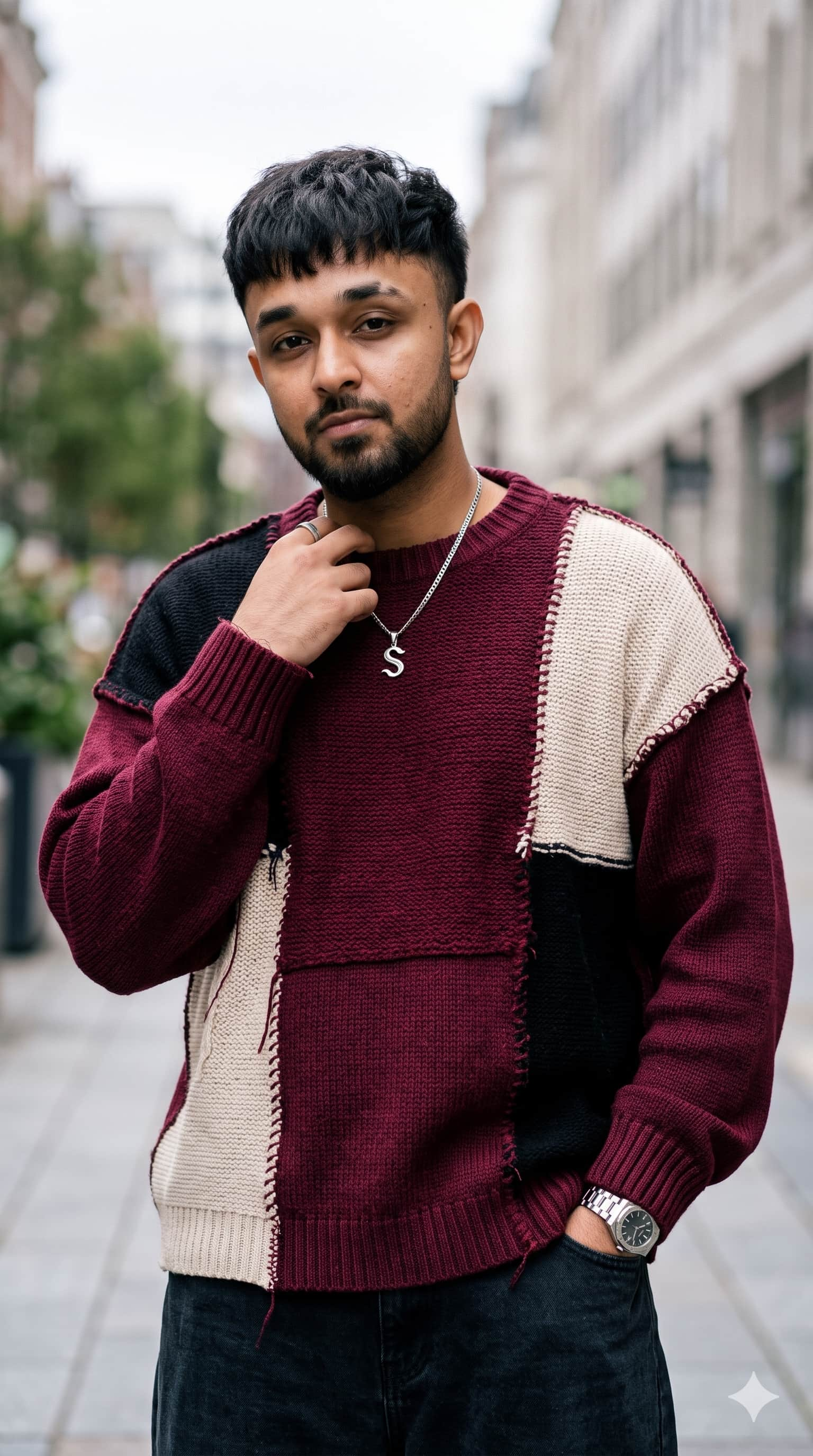
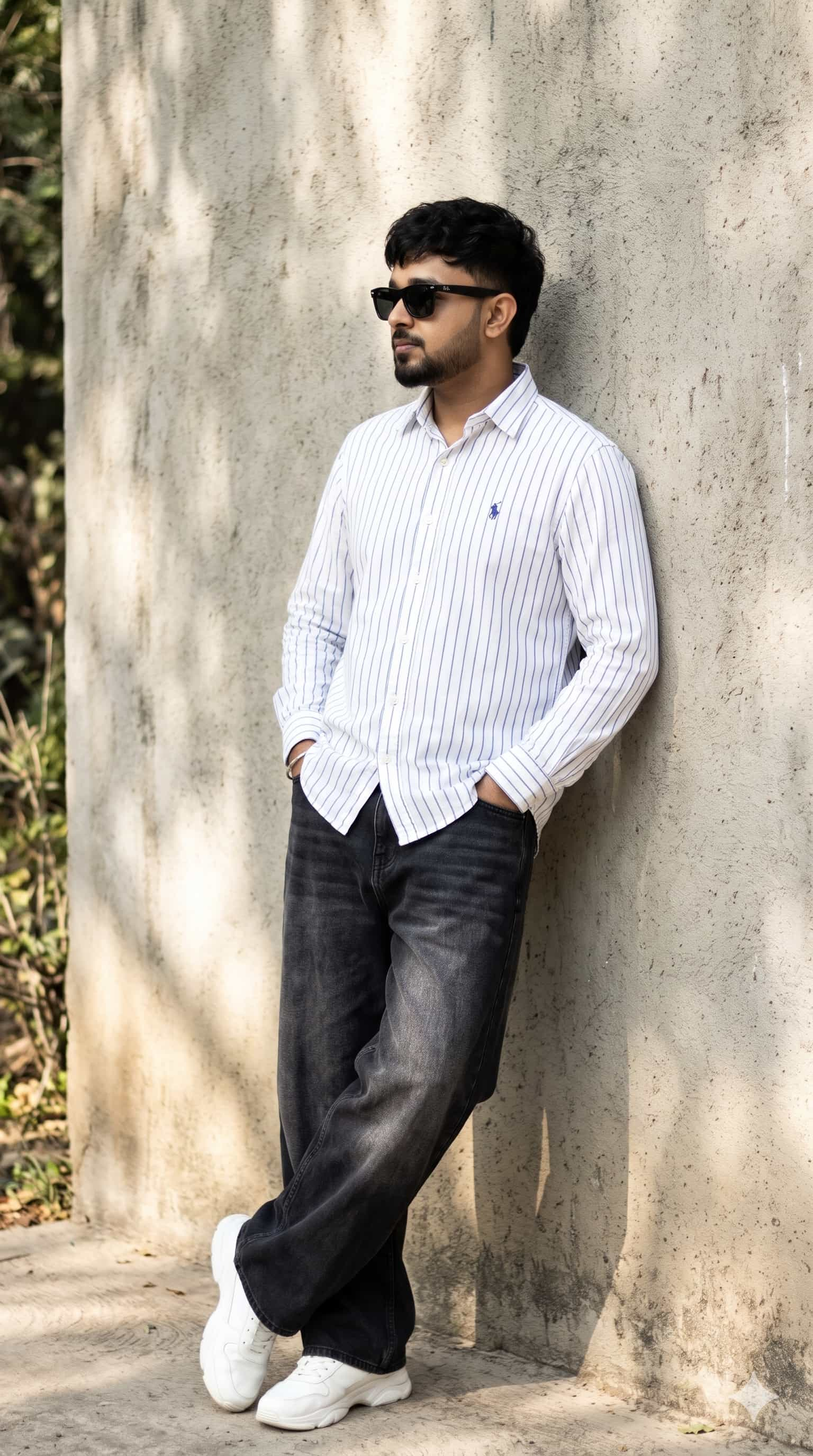
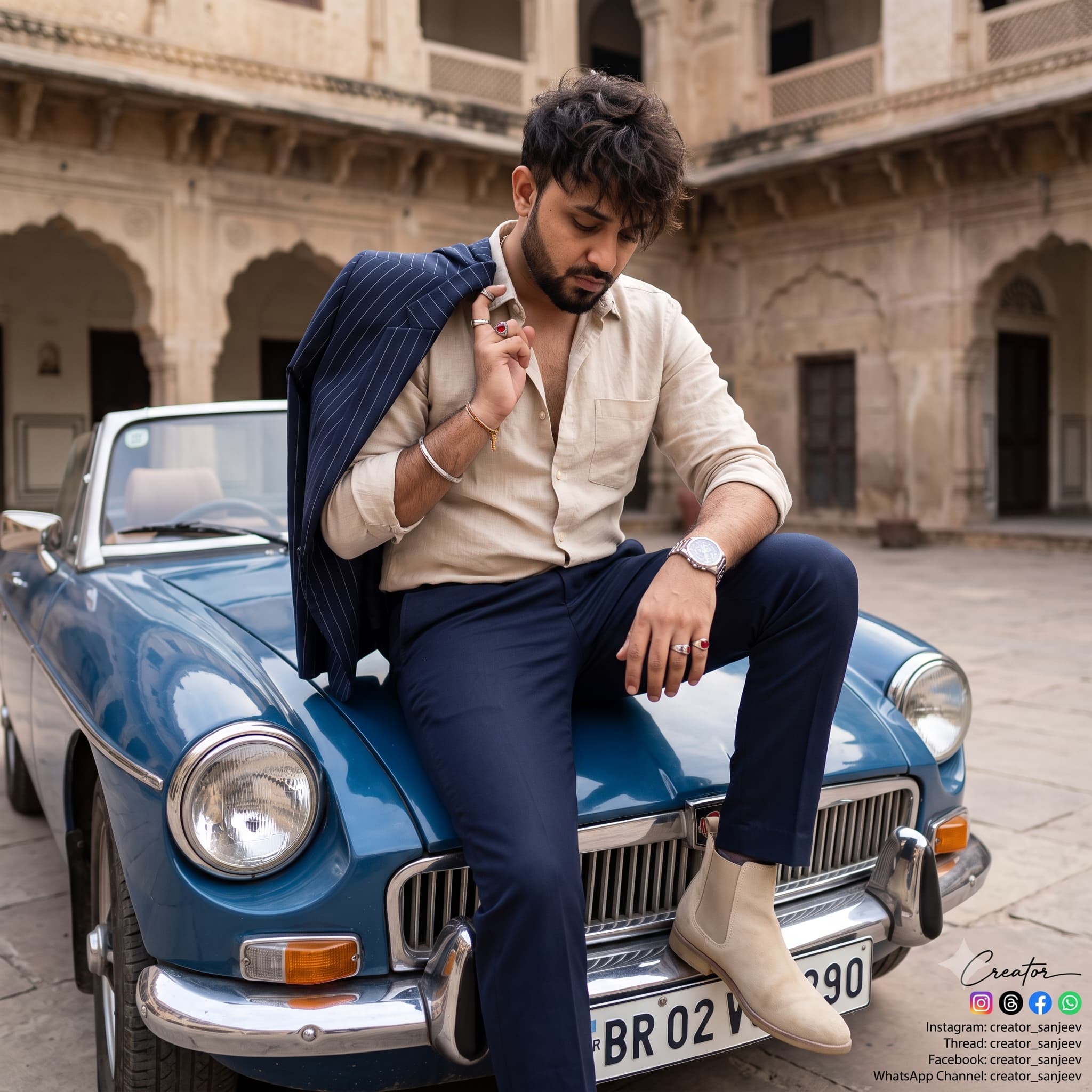
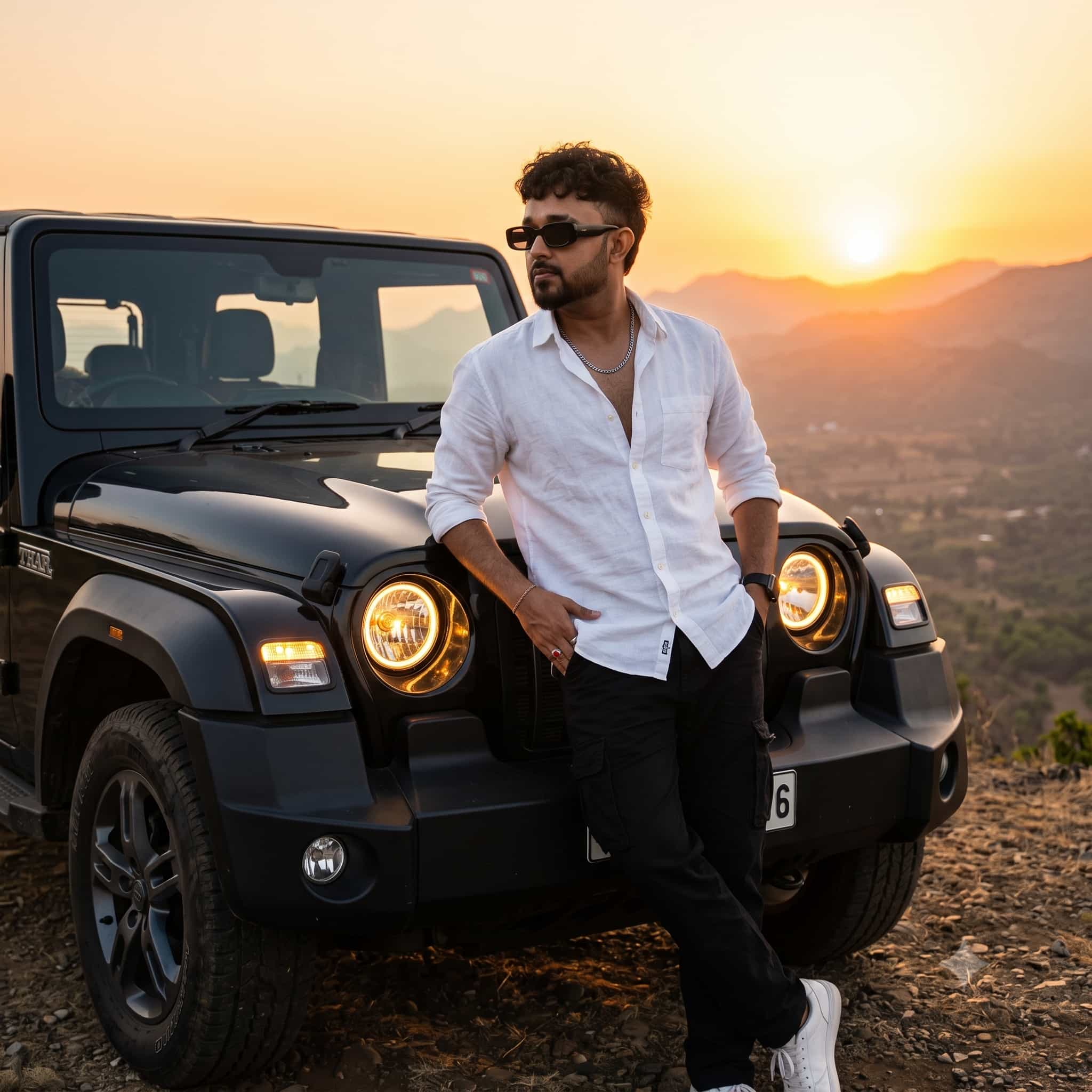
Create an ultra-realistic, cinematic conceptual portrait in vertical 9:16 aspect ratio, featuring a young South Asian man sitting backward-leaning on a simple black metal folding chair inside a dark, minimalist studio. Subject and pose: Preserve the exact facial identity, natural skin tone, hairstyle, facial structure, beard, and body proportions of the person in the provided reference photo. The man wears an oversized black sweatshirt, loose black trousers, and black sneakers. He leans far back in the chair, with his head tilted upward and his eyes gazing toward a large illuminated rectangular screen mounted on the wall. His hands rest naturally together on his lap. His expression is quiet, emotional, and introspective. Main visual concept: A large, horizontal rectangular display floats on the wall directly above the seated man. The display shows an extreme close-up photograph of a woman’s eyes, eyebrows, and upper nose bridge. Her eyes are expressive, realistic, and softly illuminated. The screen has a brilliant electric-blue neon border that casts a vibrant blue glow into the surrounding darkness. Lighting: Deep midnight-blue and black shadows throughout the studio, with intense cyan-blue rim lighting outlining the man’s hair, face, shoulders, clothing, chair, and legs. The glowing screen provides the main light source. Blue light spills across the floor, producing realistic reflections beneath the chair and shoes. Maintain dramatic contrast while preserving natural skin texture and realistic facial details. Composition: Full-body side-profile portrait, with the man seated in the lower half of the frame and the glowing eye display positioned across the upper third. Leave generous dark negative space around the screen. Use a slightly low camera angle, balanced framing, and a clear silhouette against the blue haze. Environment: An empty black studio with subtle atmospheric fog, a smooth dark reflective floor, and no unnecessary furniture or background objects. Photography style: Luxury editorial photography, futuristic music-video still, emotional cinematic storytelling, volumetric blue light, realistic reflections, subtle atmospheric haze, sharp subject details, natural fabric texture, professional full-frame camera, 35mm lens, high dynamic range, photorealistic 4K quality. Color grading: Deep navy, midnight black, electric cyan, icy blue highlights, and subtle cool skin tones. Keep the overall image dark, dramatic, and emotionally evocative. Negative prompt: Cartoon, anime, CGI appearance, plastic skin, altered facial identity, incorrect anatomy, extra fingers, deformed hands, duplicated limbs, distorted eyes, blurry subject, flat lighting, oversaturated colors, unwanted text, watermark, logo, cluttered background. Final result: A photorealistic, moody, futuristic portrait of a man looking up at a luminous display of a woman’s eyes, with dramatic electric-blue neon lighting and a deeply emotional atmosphere.
Want more prompts on mobile?
Download the official PixelPrompt app on Android.
⚙️ Prompt Engineering Breakdown
This prompt was structured using physical photography parameters and atmospheric lighting cues to produce natural depth and avoid artificial plastic textures. When using it in modern generative models, adhere to the following recommended settings:
How to Run This Prompt on Different AI Generators
- Midjourney v6: Paste the prompt into Discord or the web alpha. Append
--style raw --v 6.0 --ar 16:9to suppress oversaturation and get natural optical sharpness. - Flux.1 (Schnell / Dev): Copy the prompt directly into Hugging Face or Fal.ai. Flux natively understands natural camera terminology and requires fewer stylistic buzzwords.
- ChatGPT-4o (DALL-E 3): In ChatGPT, type: "Generate an image using this exact prompt without rewriting:" followed by the text above to prevent ChatGPT from over-simplifying the scene.
- Google Gemini (Imagen 3): Paste into Gemini Advanced with natural framing cues. Gemini excels at authentic human hands and soft cinematic ambient light.
plastic skin, deformed fingers, extra limbs, mutated hands, blurry eyes, oversaturated, low resolution, watermark, amateur photography, cartoonish 3d render.
Need custom variations?
Use our free tool to tweak lighting, camera models, and art styles.
Frequently Asked Questions
Common questions regarding prompt usage, commercial licenses, and AI diffusion models.
Can I use this commercially?
Yes. All prompts provided on PixelPrompt AI are free for commercial, editorial, and client artwork. Always review your chosen generative AI model's license terms.
Why does my result look different?
Diffusion models use randomized seed tokens. Even with identical prompts, every generation renders unique highlights, composition nuances, and atmospheric details.
How do I adjust aspect ratio?
In Midjourney, append --ar 16:9 (horizontal desktop) or --ar 9:16 (vertical reels). In Flux, select 1024x1024 or custom pixel canvas dimensions.
More in this Category
Explore similar AI generation ideas